
Need your Harvie box on a week you didn’t plan for? No problem! Whether you skipped a week by accident or just want an extra delivery, you can easily add it back to your schedule. Here’s how to do it in just a few steps.
You can add a delivery on your Harvie Shop page under Manage Deliveries: 
After selecting Manage Deliveries, you will be able to select "Add a Delivery" at the top of the menu.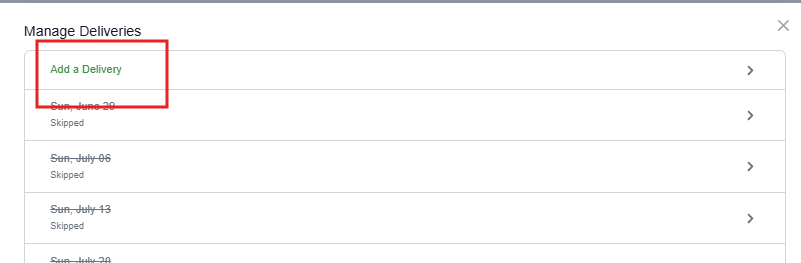
Next, you'll be able to select an additional delivery day for that week.
Once your new day has been added, a pre-filled cart will be created, and you can customize your delivery!
Please note: Adding a delivery will not skip an existing delivery.